Disabling Accounts
OS
If you need to disable an OS user account, you can expire the account using usermod --expiredate 1. For example, to disable the account for user tom:
sudo usermod --expiredate 1 tom
For more information, please see man passwd and man usermod.
SOC
If you need to disable an account in Security Onion Console (SOC) and FleetDM, you can use the so-user-disable command and specify the user’s email address. For example, to disable the account for tom@example.com:
sudo so-user-disable tom@example.com
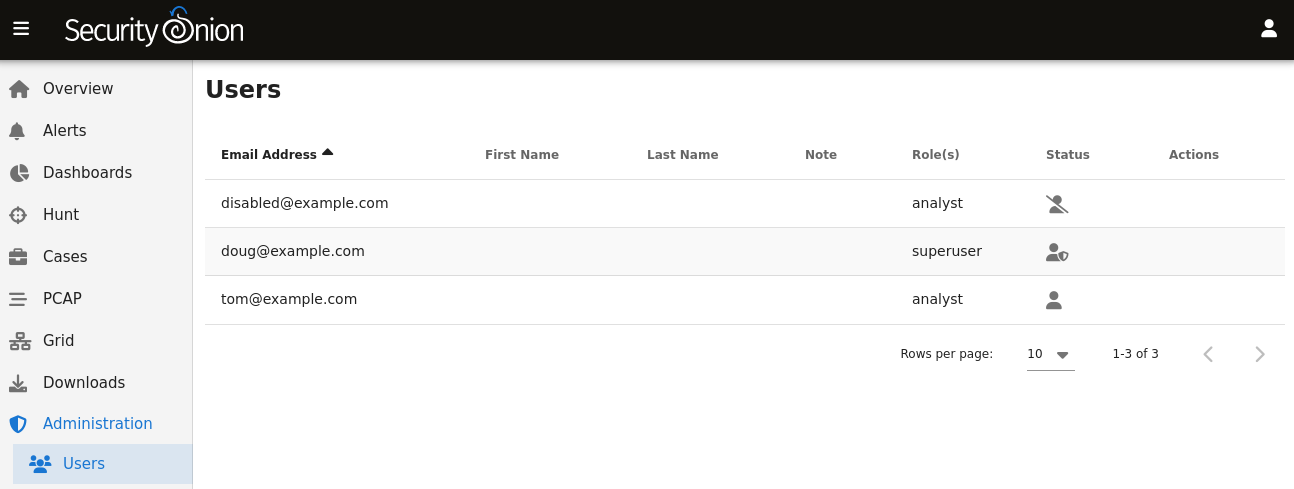
After disabling a user account, the Security Onion Console (SOC) Administration page will show the disabled user account with a disabled icon in the Status column: