so-import-evtx
so-import-evtx will import one or more evtx files into Security Onion.
Usage
Run sudo so-import-evtx and supply the full path to at least one evtx file. For example, to import a single evtx file named import.evtx:
sudo so-import-evtx /full/path/to/import.evtx
To import multiple evtx files:
sudo so-import-evtx /full/path/to/import2.evtx /full/path/to/import2.evtx
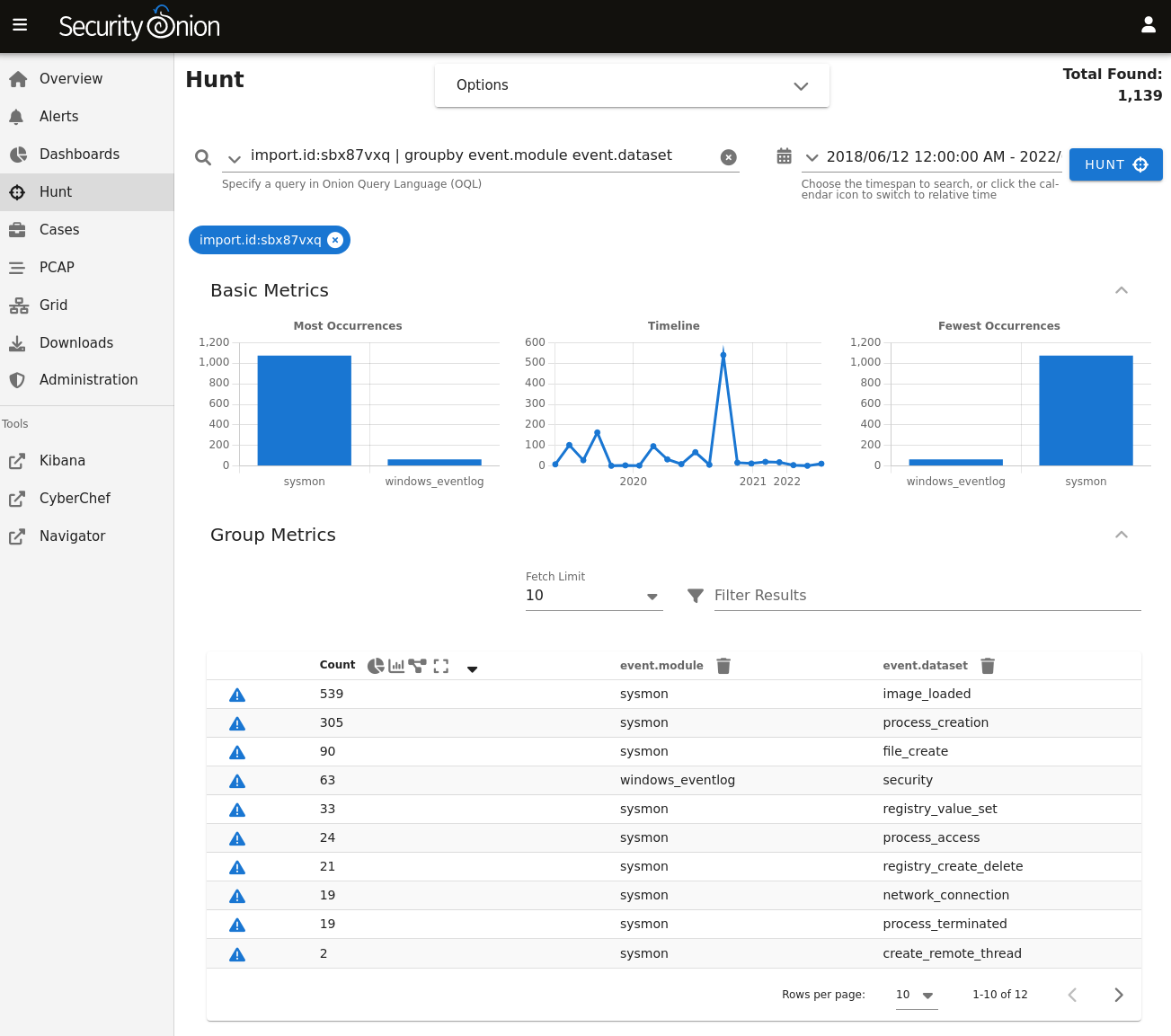
so-import-evtx then provides a hyperlink for you to view all logs in Hunt. You can also find logs in Dashboards and Kibana.